Lab · Project
Productive data as a conversation: the MCP connector
Two weeks · from documented time sink to production
Starting point: the answers sit in the system, nobody can reach them
With every new client, Productive accumulated what eventually nobody could oversee: budgets per client, open tickets, clients waiting for a reply, follow-ups coming due, logged hours, upsell opportunities. Every one of these questions had an answer – behind its own click path through reports and views. Together they made a time sink that came back every single day.
So the first step was not code. I documented and analyzed the time sink: which questions does the team actually ask, how often, and how many clicks does each answer cost? The tool grew out of that list.
Concept: build instead of upgrading the plan
Productive offers its own MCP server. In the price snapshot from 15 August 2026, it was available on Ultimate at $33 per person per month; the team used Essential at $10 when billed annually. The difference was $23 per seat, or $230 in avoided upgrade cost for ten seats. After roughly $5 of infrastructure, the net saving is about $225. Plans change; this is a dated comparison, not a permanent price.
I built the connector instead of buying the upgrade. A custom connector does something a standard one cannot: it knows the team’s questions.
Architecture
The connector is a standalone MCP server that runs as a Cloudflare Worker: TypeScript, nine strictly read-only tools against Productive’s JSON:API. Nothing gets installed – the Worker runs hosted, sign-in goes through the browser, no API keys on individual machines.
Authentication has two separate sides. Facing out, the Worker is its own OAuth provider: Claude registers itself through dynamic client registration, there is no client ID to paste. The agency’s access is a shared team password on the consent screen; the OAuth grants live in Cloudflare KV. Facing in, the Worker talks to Productive with one read-only service token – that token never leaves the server and is never visible to Claude.
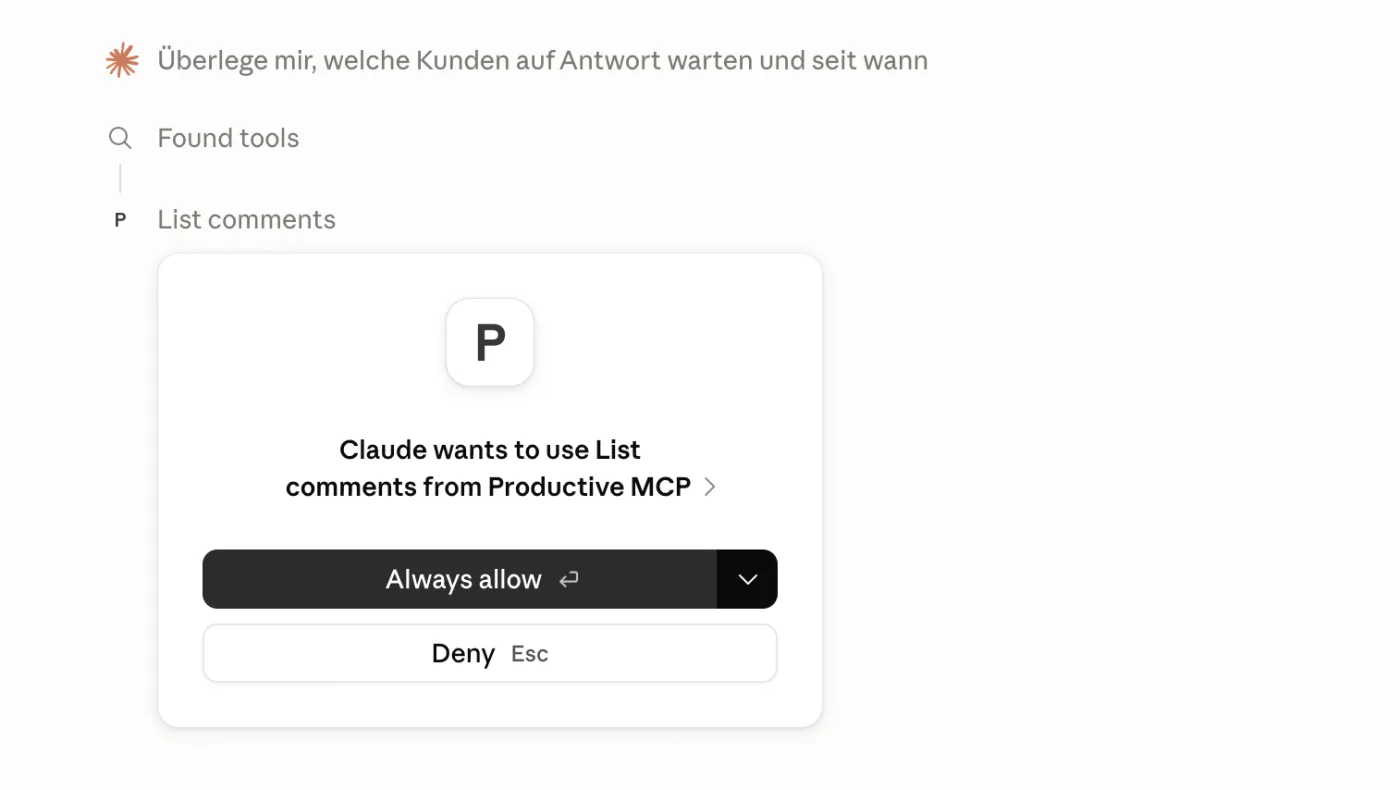
Read-only means the connector writes nothing back to Productive – and it can’t: there is simply no write endpoint anywhere in the code. An accidental change to hours, tickets or budgets is technically impossible. Maintenance happens in Productive, not here. No upgrade, no license, no vendor in between.
The path of a question
What the team asks the connector
The value depends on the role. In sales, the most frequent question is: “What is this client struggling with?” The answer has been sitting in the tickets all along. If a client has been delaying implementation for months because nobody in-house knows how to get the changes onto their website, that is not a project problem – it is an upsell. Offer IT services, remove the blocker.
In project management, the connector replaces the daily click path with four questions: Which clients have written and are waiting for a reply, and since when? Who needs a follow-up because they have gone quiet? What are my tasks this week across all clients? And how many hours were logged per client this month? The monthly report comes out of the same place – tied to specific tickets, as an audit: what is actually finished, what is not.
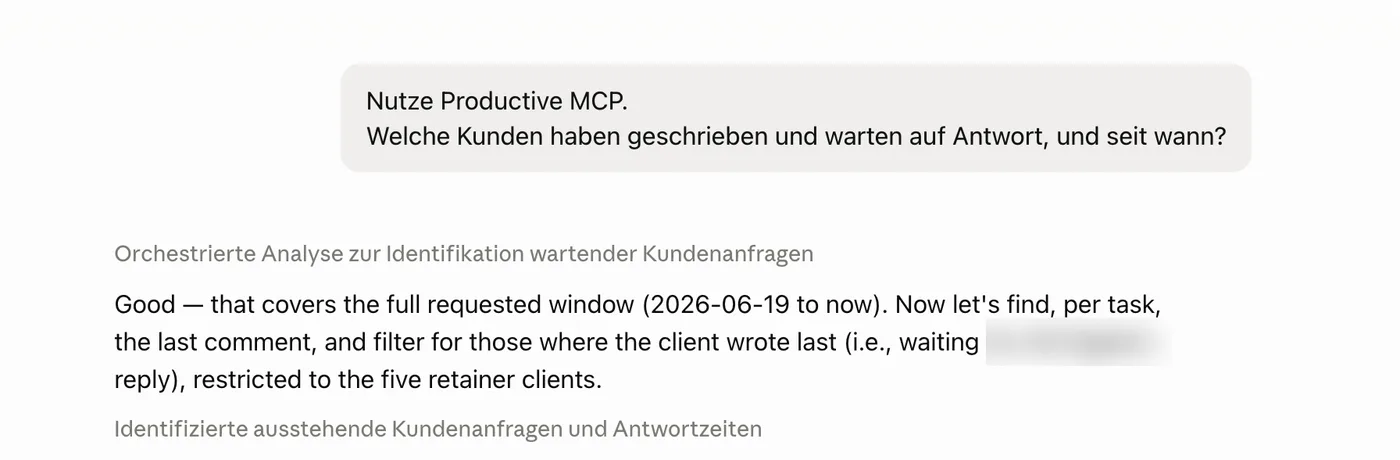
Summary of the Productive comments from the last four weeks — tickets where the client wrote last and no reply has been sent yet:
Client A — 3 tickets
- “Website analysis review” · 4 days ago: question about indexed subdomains, waiting for specifics.
- “Competitor comparison” · 3 days ago: sent the prioritization of comparison pages.
- “Prompt optimization” · 20 days ago: more of a closing comment, not an urgent question.
Client B — 1 ticket
- “Schema + entities” · 11 days ago: informs about the website relaunch, waiting for confirmation.
Client C — 4 tickets, open for 12 days: feedback on edits, brand-voice guide, hour split and campaign launch — all waiting for a reply.
Client C's block has been open longest (12 days). Want me to draft reply options?
And for everyone who works with clients: a daily briefing, one question in the morning about what needs to happen for which client today. The weekly capacity meeting runs on the same data too: who is booked how much next week, which budget is tipping over, where hours are missing.
The nine tools
Each tool is a strictly read-only call against a JSON:API endpoint of Productive (https://api.productive.io/api/v2). The names and filters are cut so a language model hits them without documentation.
| Tool | Endpoint | Key filters |
|---|---|---|
list_projects | /projects | company_id, status |
get_project | /projects/{id} | one project incl. company and project manager |
list_tasks | /tasks | project_id, assignee_id, status, due_date |
list_time_entries | /time_entries | project_id, person_id, after, before (time in minutes) |
list_people | /people | company_id, status |
list_companies | /companies | status |
list_deals | /deals | company_id, project_id (deals and budgets) |
list_comments | /comments | task_id, project_id, company_id, since, full_text |
list_bookings | /bookings | person_id, project_id, after, before (capacity planning) |
The description each tool ships with is already the instruction. list_comments carries it in plain text: “newest first … to find tickets awaiting a reply: take the newest comment per task and keep those where author_is_client is true.” The logic sits in the tool, not in a separate system prompt.
Saving context: from 90,000 tokens to kilobytes
Productive returns around 40 attributes per resource by default – navigation preferences, custom-field ids, avatar urls, sync flags. A single unfiltered page of comments came to about 90,000 tokens: slow, and it pushes the model into overload errors.
Three cuts solve it, all in the code, none at the model:
- Sparse fieldsets. Side-loaded relations are reduced to what serves as context – a company needs its name, not half its profile. The resource the question is actually about keeps all its fields.
- Comment preview. Comment bodies are ProseMirror HTML with @mentions inlined as JSON blobs. The connector turns that into plain text (
@Michael Luuinstead of a blob), drops the markup and trims to 600 characters – enough to see who is waiting for a reply. The longest comment in the live data is 12,000 characters; almost nobody ever needs it in full. - Page size 30. The default keeps the Worker’s CPU time under the free tier’s 10 ms.
// Relations only carry context – a name is enough.
const RELATION_FIELDS = {
  people: 'first_name,last_name,email,title,company',
  companies: 'name',
  projects: 'name,number,archived_at',
  tasks: 'title,due_date,closed_at,task_number,project',
}
// Careful: fields[type] gates relations too, not just attributes.
Who is a client, who is a colleague
Productive does not mark who is a client and who is a colleague. The fields external, employee and person_type are empty for all 148 people in the system. The only reliable marker is the company a person belongs to. The connector derives the distinction from that – every comment gets an author_is_client:
// external/employee/person_type are all null – company is the only marker.
author_is_client: company ? String(company.id) !== ownCompanyId : null
That turns “all comments” into the question that actually matters: where did the client write last and is still waiting for a reply?
Comments with no date filter
Comments cannot be filtered by date through the API – Productive rejects the filter. So the connector pages from newest to oldest (sort=-created_at), cuts the time window (since) itself and stops as soon as it falls past the boundary. It is capped at five pages. In the measured daily workload, a typical day contained about 17 comments; as of August 2026, the configured free-tier Worker had a 10 ms CPU budget. That produces the question that previously required several views to answer: where has a client been waiting for a reply since yesterday?
Across the board, the client absorbs the usual disruptions: on 429 and 5xx it waits out the Retry-After the server names (otherwise it backs off exponentially) and retries up to four times, instead of letting the session break.
Security: what is guaranteed – and what isn’t
Only what is verifiable, each bound to the code:
- Read-only by construction. Writing is not “disabled by a setting” – there is no write code. Even a manipulated or prompt-injected session cannot change, create or delete anything.
- Zero retention. Business data is stored nowhere – not in KV, not in logs, not in a cache. KV holds only the OAuth grants; the answer passes straight through.
- Kill switch with the client. Revoke the read-only service token in Productive and the connector goes blind immediately, without further operator action.
- Secrets outside the code. Token and password live in Cloudflare’s secret store, not in the repository and not in logs. Hosted on Cloudflare (SOC 2, ISO 27001), TLS on every hop.
What I do not promise: the AI model processes answers under the terms of its provider and contract. Storage and training use depend on the selected plan and the provider’s current terms. Check those terms for your contract; the connector cannot replace that review.
Build it yourself vs. Productive Ultimate MCP
| Criterion | Custom connector | Productive Ultimate |
|---|---|---|
| Price | ~$0–5/month total (Cloudflare Worker) | $33 per seat / month, as of 15 August 2026 |
| Shaped to your own questions | yes (author_is_client, time window, context trim) | generic feature set |
| Context / token cost | actively reduced (sparse fields, 600-char preview) | full payloads |
| Hosting | self-hosted Cloudflare Worker | with the vendor |
| Write access | none (read-only by construction) | vendor-defined |
| Control | kill switch via the service token | vendor account |
What it costs
Building it replaces a recurring plan fee with near-fixed infrastructure. In the price snapshot from 15 August 2026, the Worker ran on the free tier; Workers Paid cost $5 a month and raised the 10 ms CPU ceiling. That applies to the Worker, not per seat, and needs to be checked again in future comparisons.
| Team size | Ultimate upgrade ($23/seat, August 2026) | Custom connector | Net saving / month |
|---|---|---|---|
| 5 | $115 | ~$5 | ~$110 |
| 10 | $230 | ~$5 | ~$225 |
| 25 | $575 | ~$5 | ~$570 |
| 50 | $1,150 | ~$5 | ~$1,145 |
When the connector isn’t the right fit
- If you need to write. Logging hours, creating or editing tasks – deliberately not possible here. That is what Productive itself is for.
- Real-time notifications. The connector answers questions (pull); it does not push alerts.
- Teams without an LLM in daily use. The tool is only as useful as the questions someone asks. Without Claude or another model in the daily routine it does nothing.
Why read-only first – and when writing comes
Read-only was not a stopgap but the strongest guarantee available: what does not exist cannot be misused. That is why there is no write path in the code, instead of building one and then securing it.
A later write access has one clear condition: a human approval step. Reply drafts for tickets that a person reviews and sends are conceivable – never autonomous writing. Until that stands with the same care as the read side, the connector stays what it is: a reader.
From internal tool to product
From analyzing the time sink to running in production took two weeks, testing included. Since then, the connector has been running free of charge as an internal tool for the agency team.
It has since become a product, open to other agencies working with Productive. In the product edition each customer brings their own read-only service token: the scope the connector sees is defined by that service user’s role in Productive – the customer keeps control, without ever handing over an employee password.
The connector helps teams with a starting point similar to the internal project team: 10 to 30 people on Essential or Professional, with Claude already part of the daily routine. If you mainly want to log hours or create tasks, you need a different tool – this one only reads.
It started with a documented list of questions that cost clicks every day. Count your own: which question do you answer by hand every week, even though the data has long been in the system? Write to me.